
Open Comic Reader0.3.1 - Get APK
You'll be able to download in few seconds.
Publisher Description
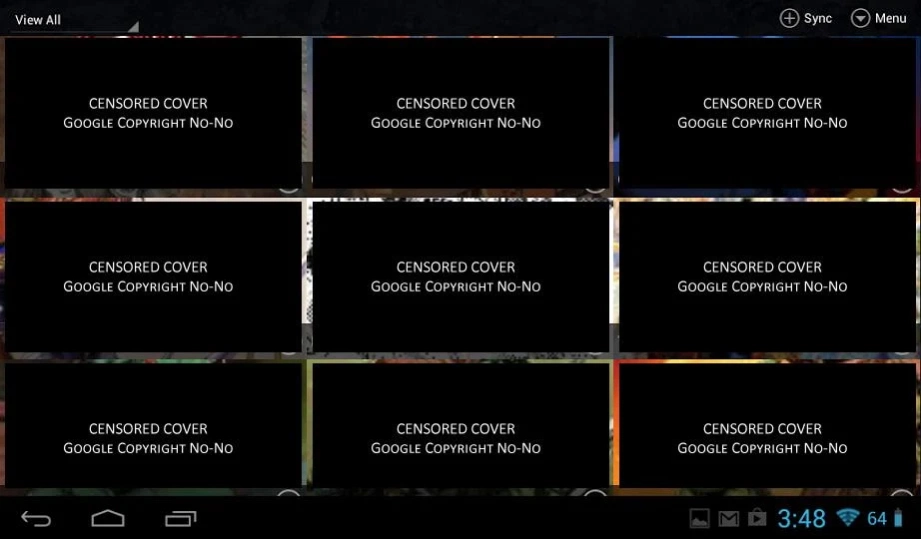
No Ads, All open source, read all the comics and mangas till your hearts content
Want to read comic books or mangas on your android tablet? Give Open Comic Reader a try. It’s a new open source project built around the goal of creating a great comic reading experience without the lag, the cost nor the Ads.
Thanks to github, you are able to communicate back with the developer with bugs that you may find and even request new features that you think would make Open Comic Reader 10x better. Or give some of your time to contribute code to the project.
Project Homepage : https://github.com/sketchpunk/opencomicreader
Submit Bugs/Requests : https://github.com/sketchpunk/opencomicreader/issues
FEATURES
* NO ADs... EVER.
* Bar minimum permissions
* Opens ZIP/CBZ, RAR/CBR and Image Folders.
* Save reading progress and resume last read page
* Page preloading
* Choose to read from Left -> Right or Right -> Left
* Side taps on the screen to progress through the pages
* Comic library with grid of covers that can be customized
* Pinch to zoom comic pages (one finger zoom, tap and hold to activate)
* Double tap to zoom in, do it again to reset.
* Two folders can be selected to sync comics from
* Tap the left or Right side of a page for next/prev, Or Swipe from edge
* Library Filtering
* Group issues by Series, can even edit series
* ComicRack Meta Data support for Folders and Zip/Cbz
About Open Comic Reader
The company that develops Open Comic Reader is Sketchpunk. The latest version released by its developer is 0.3.1.
To install Open Comic Reader on your Android device, just click the green Continue To App button above to start the installation process. The app is listed on our website since 2014-09-26 and was downloaded 0 times. We have already checked if the download link is safe, however for your own protection we recommend that you scan the downloaded app with your antivirus. Your antivirus may detect the Open Comic Reader as malware as malware if the download link to com.sketchpunk.ocomicreader is broken.
How to install Open Comic Reader on your Android device:
- Click on the Continue To App button on our website. This will redirect you to Google Play.
- Once the Open Comic Reader is shown in the Google Play listing of your Android device, you can start its download and installation. Tap on the Install button located below the search bar and to the right of the app icon.
- A pop-up window with the permissions required by Open Comic Reader will be shown. Click on Accept to continue the process.
- Open Comic Reader will be downloaded onto your device, displaying a progress. Once the download completes, the installation will start and you'll get a notification after the installation is finished.
Program Details
System requirements
Download information
Pricing
Version History
version 0.3.1
posted on 2014-09-26
CHANGE LOG : 0.3.1 beta,- Lots of bug fixes.,- Can disable panning in settings (Great feature for phones, not so much tablets).,- Can use volume buttons to move between pages.,- Page sorting has been improved,- When tapping next on the last page will load the next comic (big request for this)
version 0.0.8
posted on 2013-03-01
Several fixes and updates
Disclaimer
External Download
We do not host Open Comic Reader on our servers. We did not scan it for viruses, adware, spyware or other type of malware. This app is hosted by Galad and passed their terms and conditions to be listed there. We recommend caution when installing it.
The APK Download link for Open Comic Reader is provided to you by apps112.com without any warranties, representations or guarantees of any kind, so access it at your own risk.
If you have questions regarding this particular app contact the publisher directly. For questions about the functionalities of apps112.com contact us.
